The Ultimate Guide to Building a Topical Map: Your Blueprint for SEO Authority
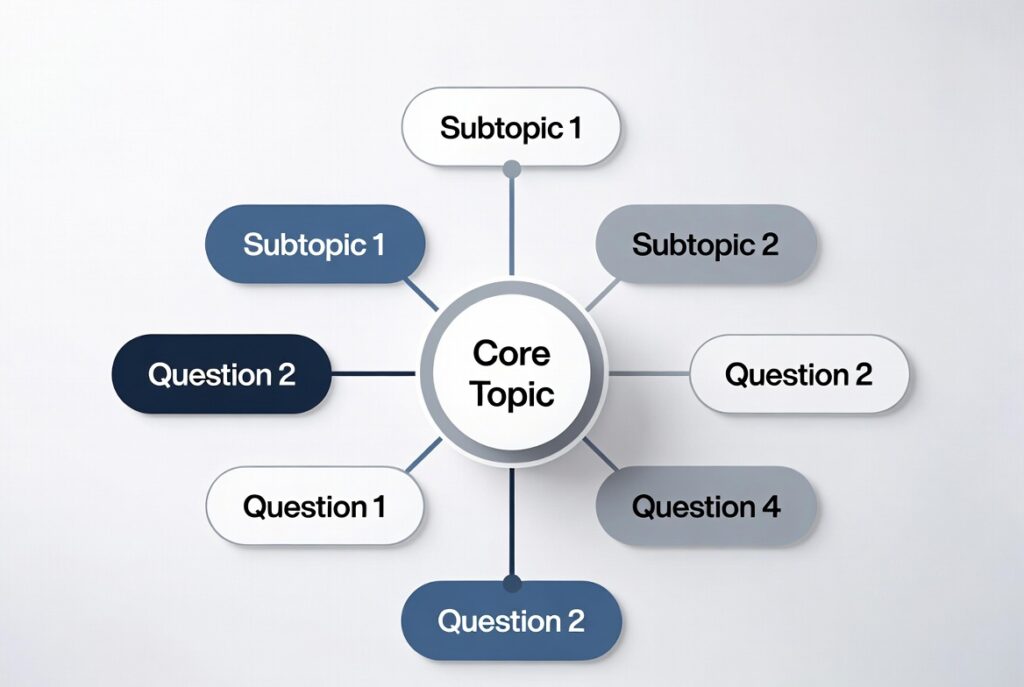
Forget chasing random keywords. If you want to truly own a subject online and rank for not just one term, but a whole cluster of them, you need a topical map. Think of it as your master blueprint. It’s the strategic process of defining your core topic, identifying all its subtopics and related questions, and structuring them on your site in a way that screams “authority” to both users and search engines. But a blueprint is useless without the right tools to draft it. You can’t build a house with a spoon. So, let’s talk about the best tools to construct a rock-solid topical map that drives sustainable traffic.”If you’re completely new to this concept, start with our guide on what a topical map really is and why it’s the foundation of modern SEO strategy.”
The Foundation Layers: Understanding & Brainstorming
Before you jump into software, you need raw material. This phase is about dumping every idea onto the page.

- Your Own Brain (The Original Tool): Start with a whiteboard, a giant notepad, or a blank document. Write your core “pillar” topic in the center and mind-map everything you know your audience asks about. Don’t censor. This human-centric thinking is irreplaceable.”This initial brainstorming phase is similar to what we do when creating content clusters—it’s about mapping relationships before diving into tools.”
- AnswerThePublic & AlsoAsked.com: These are your secret weapons for mining the human language of search. Type in your seed keyword, and they visualize search questions and prepositions (what, why, how, where, who, vs., without). AnswerThePublic gives you a stunning radial diagram of queries, perfect for seeing connections. AlsoAsked.com shows you the “People Also Ask” chains, revealing how questions nest within each other. They provide the “why” and “how” behind the searches.
The Research & Discovery Phase: Seeing the Competitive Landscape
Now, you need to see what’s already out there and find gaps.
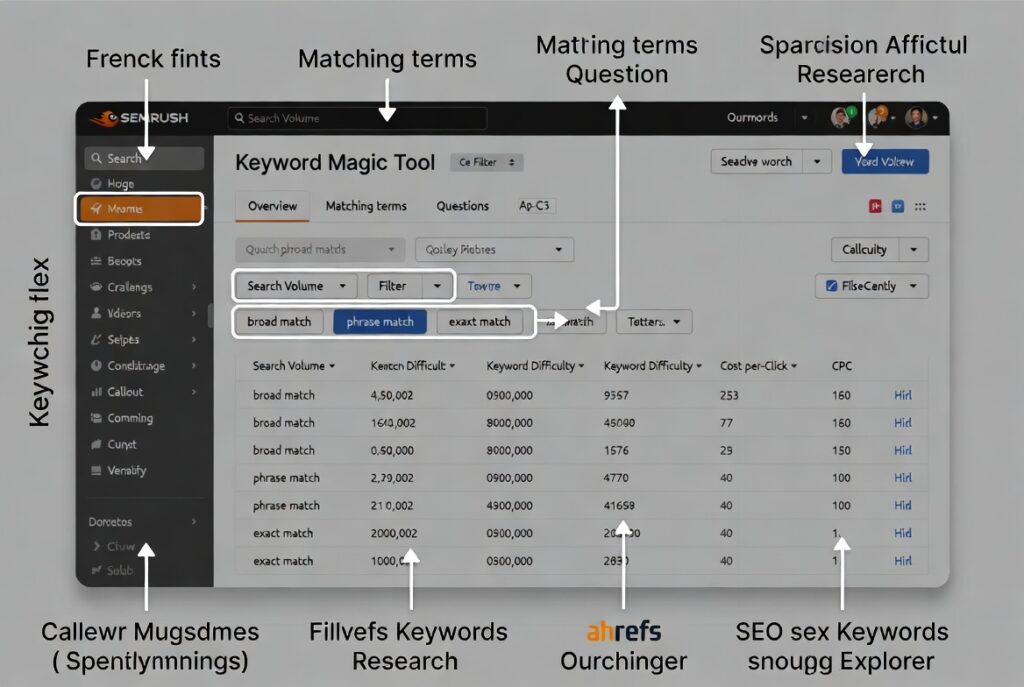
- SEMrush & Ahrefs (The Power Suites): These are the industry heavyweights, and for topical mapping, they’re brilliant. Use their “Keyword Magic Tool” (SEMrush) or “Keywords Explorer” (Ahrefs). Type in your main topic and filter by “Questions” or dig into keyword groupings. The gold is in the “Parent Topic” and “Keyword Ideas” sections. They show you clusters of terms that are semantically related, which is the essence of a map. Their “Content Gap” analysis is also priceless—see which subtopics your competitors cover that you don’t.
- Google’s Own Results (Free & Essential): Never underestimate the native tools. Google Search itself is #1. Manually search your main terms and study:
- The “People Also Ask” box: Click on questions to expand more—this is a free, endless source of subtopics.
- “People Also Search For” at the bottom.
- The “Related Searches” at the bottom.
- The autocomplete suggestions in the search bar.
The Organization & Structuring Phase: From Chaos to Clarity
You have a mountain of keywords and questions. Now, you need to make sense of it.
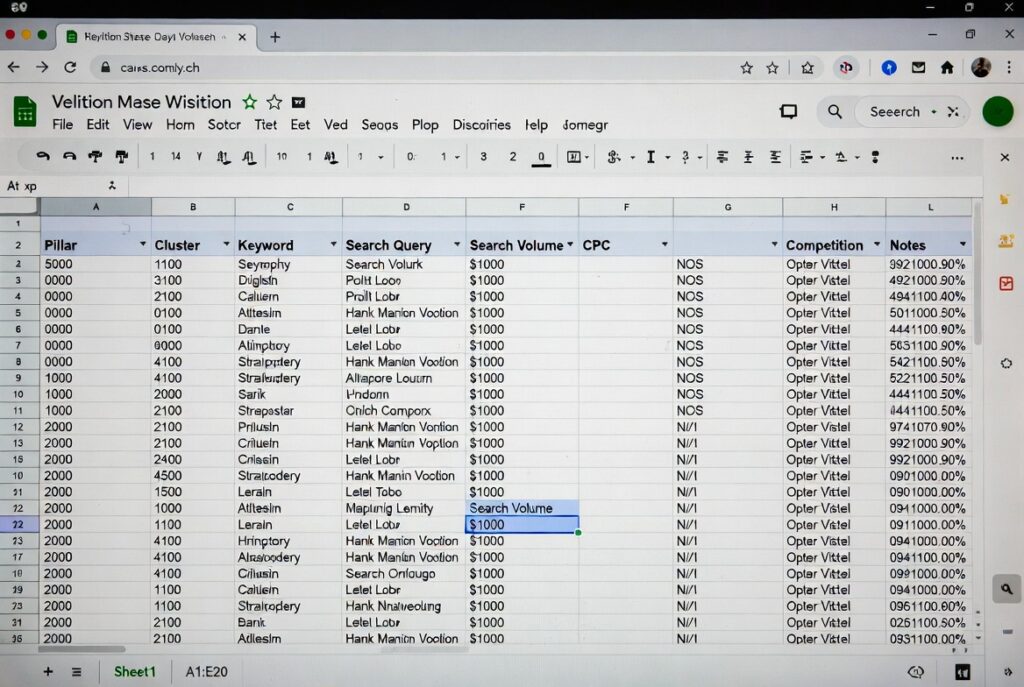
- Spreadsheets (Google Sheets or Excel): For many, this is the final home for the map. Create columns for: Pillar Topic, Cluster Topic, Target Keyword, Related Questions, Search Intent (Informational, Commercial, Navigational), Priority, and URL. The act of manually sorting and grouping here forces you to understand the relationships. It’s flexible, collaborative, and free.
- Miro or Mural (Visual Mapping): If you’re a visual thinker, these digital whiteboards are game-changers. Create a central bubble for your pillar. Draw connecting lines to cluster topics (your “hub” pages). Then, branch out to individual article or “spoke” ideas. You can color-code by intent, stage in the buyer’s journey, or priority. It’s incredibly powerful for team brainstorming and seeing the full ecosystem at a glance.
- Dedicated SEO Tools: Frase.io & MarketMuse: These are purpose-built for this job. Frase.io is a standout. You can research a topic, and it automatically pulls in top questions, related terms, and headlines from top-ranking pages. Its “Content Brief” builder essentially creates a mini-map for each cluster, suggesting headings and questions to answer. MarketMuse takes a more AI-driven approach to analyze topic coverage and depth, scoring your content against competitors and highlighting gaps you must fill to achieve authority.
The Execution & Maintenance Phase: Bringing the Map to Life
The map isn’t just a plan; it’s a living document.
- Your CMS & Internal Linking Plugins: Your Content Management System (like WordPress) is where the map becomes real. Use it, along with plugins like SEOPress or Rank Math, to easily manage internal links. As you publish cluster content, you must link it back to your pillar page and to related cluster articles. This link siloing is the technical glue that makes Google understand your map’s structure.
- A Simple Sitemap Generator & Navigation: Your site’s navigation should reflect your topical architecture. Users should intuitively find their way from broad to specific. A clear, visual sitemap (often an HTML page) can also be a direct representation of your topical map for users.
The Human Verdict: What’s Actually Best?
So, what’s the best toolkit? It’s not one tool. It’s a process:
- For the Solopreneur on a Budget: Start with AnswerThePublic + Google Searches + Google Sheets. This powerful combo is almost free and incredibly effective.
- For the Marketing Team: Invest in SEMrush/Ahrefs for deep research and Miro for collaborative mapping and stakeholder alignment.
- For the Content Team Focused on Efficiency: Frase.io is a fantastic all-in-one solution for research, brief creation (your mini-maps), and ensuring coverage.
Remember, the tool is only as good as the strategy. The goal isn’t to use every tool; it’s to build a coherent, user-first architecture that covers a topic so thoroughly that Google has no choice but to see you as the expert. Start with the free tools, understand the principles, and then scale up with paid options as you grow. Happy mapping—your future authoritative site will thank you for it.